Tool
Favicon generator
Updated Oct 9, 2026
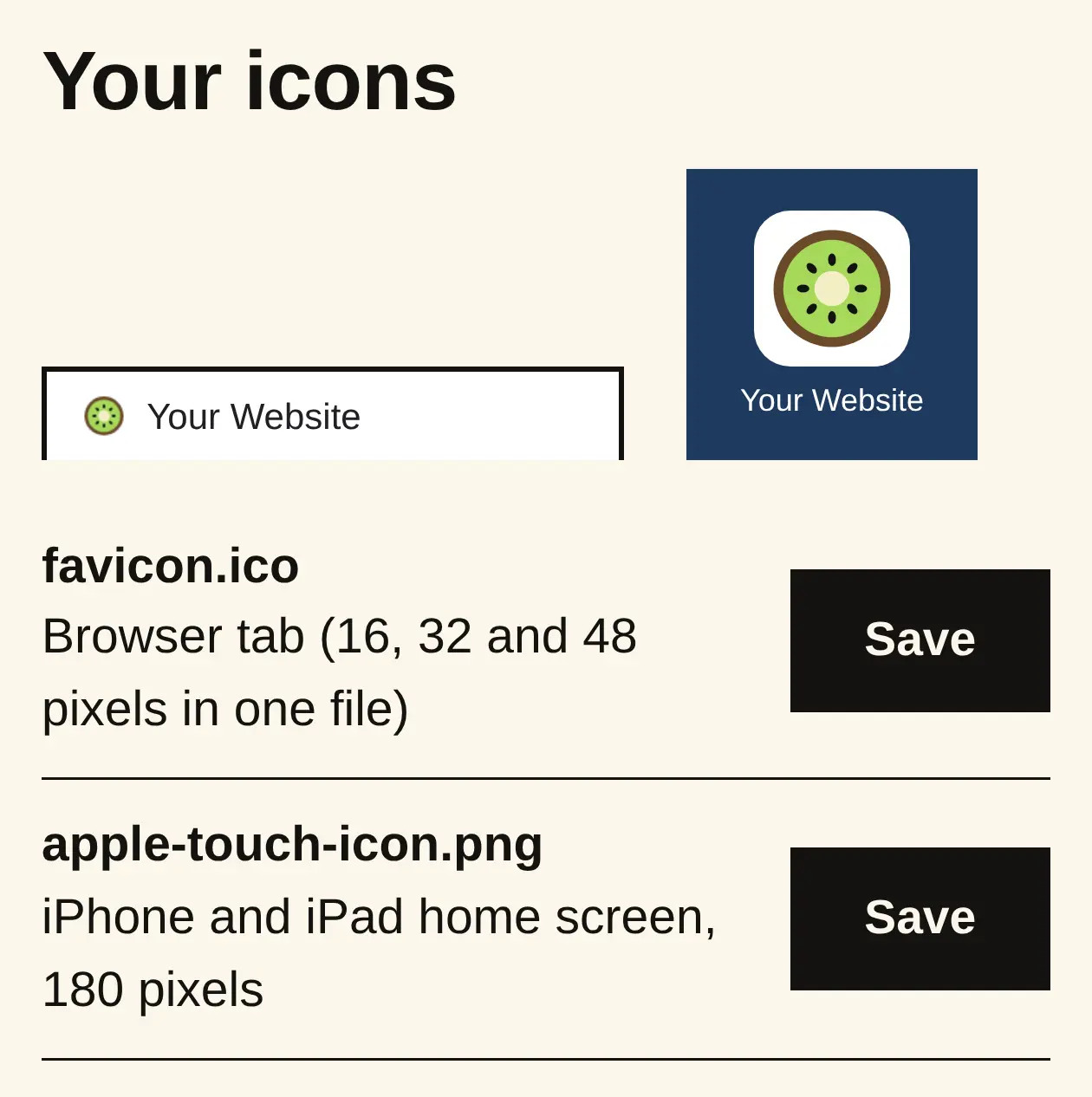
A favicon is the little picture in the browser tab and on phones that save your site. Pick your logo and we make every size.
or drop it here, or
Your icons
Paste this into your page's <head>
<link rel="icon" href="/favicon.ico" sizes="32x32">
<link rel="icon" href="/icon-192.png" type="image/png" sizes="192x192">
<link rel="apple-touch-icon" href="/apple-touch-icon.png">
<link rel="manifest" href="/site.webmanifest">Upload the files to the top folder of your website. WordPress, Wix, Squarespace and Shopify each have a "site icon" or "favicon" setting instead: use the 192 pixel PNG there (the 512 one in WordPress). Made on your computer; nothing is sent to us.
What you get
How to use it
- Choose your logo. A square one works best; a PNG or SVG is sharper than a JPEG.
- Pick a background for phone icons and how much space goes around the logo.
- Save the files.
- In WordPress, Wix, Squarespace or Shopify, find the Site icon or Favicon setting and upload the 192 pixel PNG (the 512 one in WordPress). Anywhere else, give the files and the code to your web person.
When to use it
- Your browser tab shows a blank page or your builder's icon in place of your logo.
- You've got a new logo.
- Before you launch a new site.
Why it matters
- People with lots of tabs open find yours by its icon.
- It shows when someone saves your site to their phone's home screen, and Google can show it beside your search result.
Go deeper: Favicon not showing in Google search. Why the small logo beside your site in Google is missing or old, the size to use, and where to change it on each builder.